
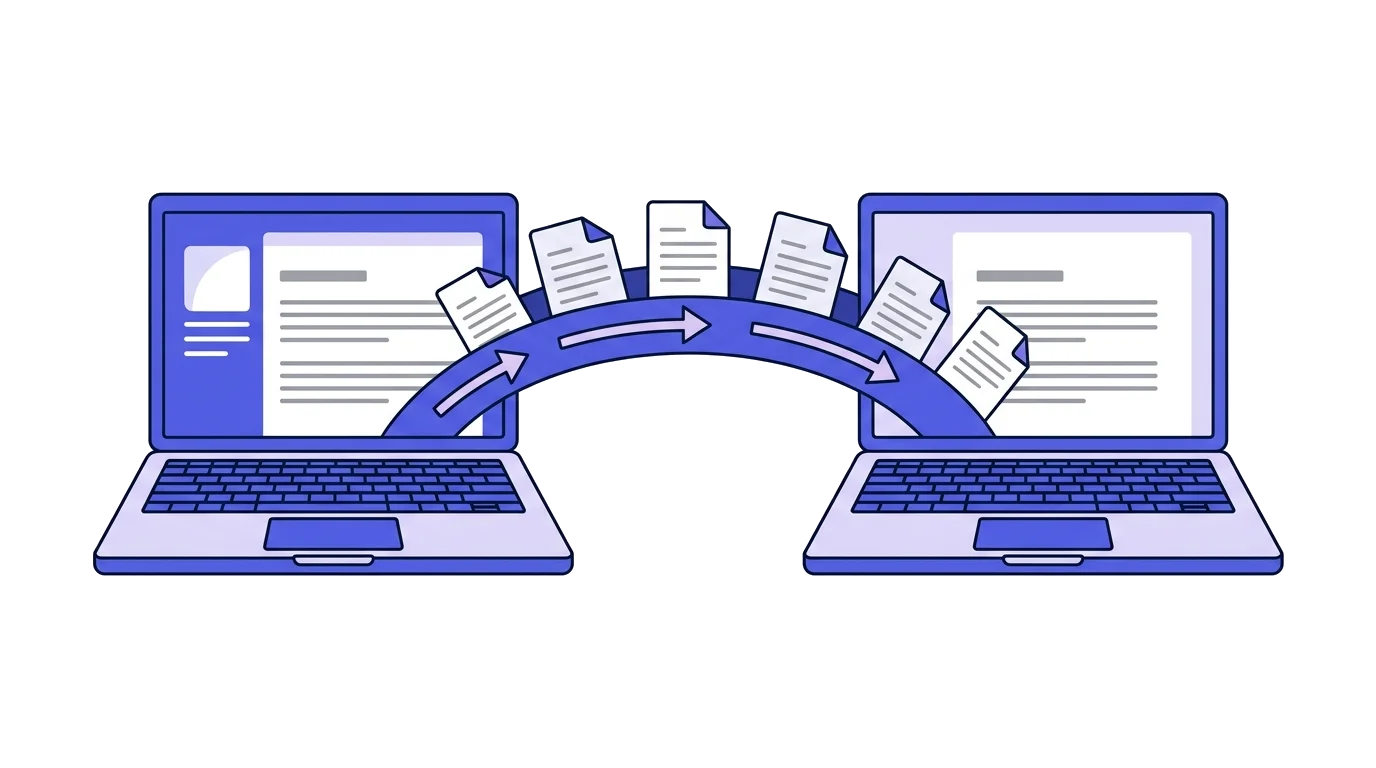
The most common reason businesses stay on a system they dislike is fear of the move. Not the price and not the features: the worry that history will be left behind, that numbering will break, and that the accountant will find a hole in the middle of the year.
That fear is reasonable, and the answer to it is technical and boring: Israel has a standard format for transferring accounting data, and every system knows how to export to it.
- Export from the old systemAn Open Format file for the period you want
- Import and checkA reconciliation report before anything is written
- Set up numberingWhere the new sequence starts
- Issue in the new systemFrom here on everything is in one place
What the Open Format file is, and why it is the bridge
The Open Format is a structure the Tax Authority defined for transferring bookkeeping data. It consists of two files, an INI file and a BKMVDATA file, and it holds the documents, the customers and the transactions.
The format was created for audits rather than for migrations, but in practice it is the solution: every Israeli system is required to export to it, which makes it the only common denominator between Rivhit, Hashavshevet, Priority, Morning and the rest. The full structure is covered in the Open Format guide.
Getting the file out of the old system
Every system calls it something slightly different: "Open Format export", "income tax file", "BKMVDATA export", "audit export". The screen usually sits under bookkeeping, reports or tools.
What to ask for: the complete period you want to move, not just the last year. If the system lets you pick a date range, choose from the first document to today.
The output is usually a ZIP holding both files. Do not open or edit them by hand. Editing an Open Format file breaks it quietly.
What moves and what does not
Moves: issued documents, with their dates, amounts and historical numbers. Customer details. Accounting transactions.
Does not move: document design, logo, email templates, integrations, system settings, and drafts that were never issued. These get set up again in the new system, and that is an hour's work.
Moves partly: cancelled documents and credit notes come across, but it is worth confirming that the link between a credit and its original survived, because that is where most mismatches show up.
What happens to numbering, the question that matters
Historical documents imported into a new system keep the number they had in the original system. They are a historical fact, and there is no other honest way to record them.
In parallel, the new system runs a fresh numbering sequence for documents issued in it. The two worlds stay separate: imported documents do not enter the live sequence, and the live sequence does not try to continue from the last imported number.
That produces a timing rule: the import has to happen before you issue the first document of that type in the new system. Once a live sequence has started, importing history for that document type is no longer possible without risking a number collision.
In practice: import, check, approve, and only then issue.
When to switch
The start of a tax year is the cleanest timing. The previous year is closed, the annual return comes out of the old system, and the new one starts on a blank page.
The start of a VAT reporting period is the next best option. A business reporting bi-monthly switches at the start of a period, so each VAT report comes from one system rather than two.
Mid-month is possible but pointless. It forces the accountant to merge two sources for one period.
What to check after importing
Before approving the write, not after.
Document count. Does the number of imported documents match what the old system shows for the same period?
Amounts. Annual turnover in the new system against the annual return or the VAT reports already filed. A few shekels is rounding, thousands is a problem.
Duplicate customers. The same customer recorded twice under slightly different names is the most common import artefact. Worth merging before continuing.
Documents missing at the edges. The first and last document in the range, because date-range problems surface there.
What to do about open documents
This is the question that falls through the cracks. Transaction invoices sent and unpaid, open quotes, and clients on a monthly recurring document do not travel in the Open Format file, because the file describes what already happened rather than what is about to.
Unpaid invoices. The debtor list has to move manually or through a customer import. Pull an aged debt report from the old system before closing it, and keep that as a separate file. Without it, an open debt is easy to lose inside the move.
Recurring documents. A client who receives the same document every month has to be rebuilt in the new system. That is an hour's work, but it has to happen before the date the next document is due, not after.
Open quotes. These are not fiscal documents, so they simply do not travel. If a quote is waiting on client approval, keep a PDF copy and reissue it when needed.
A recommended timeline
Two weeks before. Export a full Open Format file, export a debtor report, and export PDFs of documents if the system allows it.
One week before. Import into the new system, go through the reconciliation report, merge duplicate customers and set up the recurring documents.
On the day. Set the starting number for each document type, and issue one test document to confirm everything looks right.
After a month. Compare the first VAT report produced by the new system against what the old one would have produced, and confirm there is no gap.
Before cancelling the subscription. Confirm once more that the full export is in your hands, and only then close the account.
The old system does not get thrown away
The retention obligation is seven years from the end of the tax year, and switching does not cancel it. It is covered in the document retention guide.
Before closing a subscription: export the full Open Format file and store it separately, export PDFs of all documents if the system allows it, and keep a copy of the reports already filed.
A system closed without a full export is a problem that surfaces two years later, in an audit.
Questions worth asking before you move
Does the new system import the Open Format, or does it want a CSV you have to prepare?
Does it show a reconciliation report before writing, or write straight away?
Are imported documents marked as such, so they can be told apart from documents issued in the system?
What does the export look like on the day you want to move on from it? A system that is hard to leave is a warning sign.
Anyone leaving a system because the business is closing rather than moving is on an entirely different path, set out in the closing a business guide.
Anyone still deciding where to move will find prices and document limits for the common systems in the invoicing system comparison.
A reconciliation report before anything is written
Slate imports an Open Format file directly and shows a full reconciliation report before anything is written to the database: how many documents, how many customers, what was detected as a duplicate, and what could not be read. Only after explicit approval does the data go in, and the write happens in a single transaction. Imported documents are marked as historical and keep their original numbers, without touching the live numbering sequence. Equally, Open Format export is available at any time, including for the day you want to move on.
This is general information. Before switching mid-year, coordinate with your accountant.
Common questions
How is history moved between invoicing systems?
Through the Open Format file, the only common denominator across Israeli systems. Export from the old system, import into the new one, and check that totals and numbers match.
What happens to document numbering in a move?
Historical documents keep their original numbers, and the new system continues numbering from the agreed point. The import has to happen before the first document is issued in the new system.
When is the best time to switch?
At the start of a tax year or a reporting period. Switching mid-period means merging data from two systems into one report, which is exactly where mistakes happen.
What does not come across in an import?
Usually drafts, template design, user permissions and settings outside the standard. What does come across is documents, customers and transactions.
Should I keep access to the old system?
Better to export everything before disconnecting rather than rely on future access. An unpaid account can be closed, and the seven-year retention duty stays with you.
What should be checked after the import?
That document counts and totals match the old system, that numbering is unbroken, that customers were not duplicated, and that the first periodic report in the new system reconciles with the previous one.