
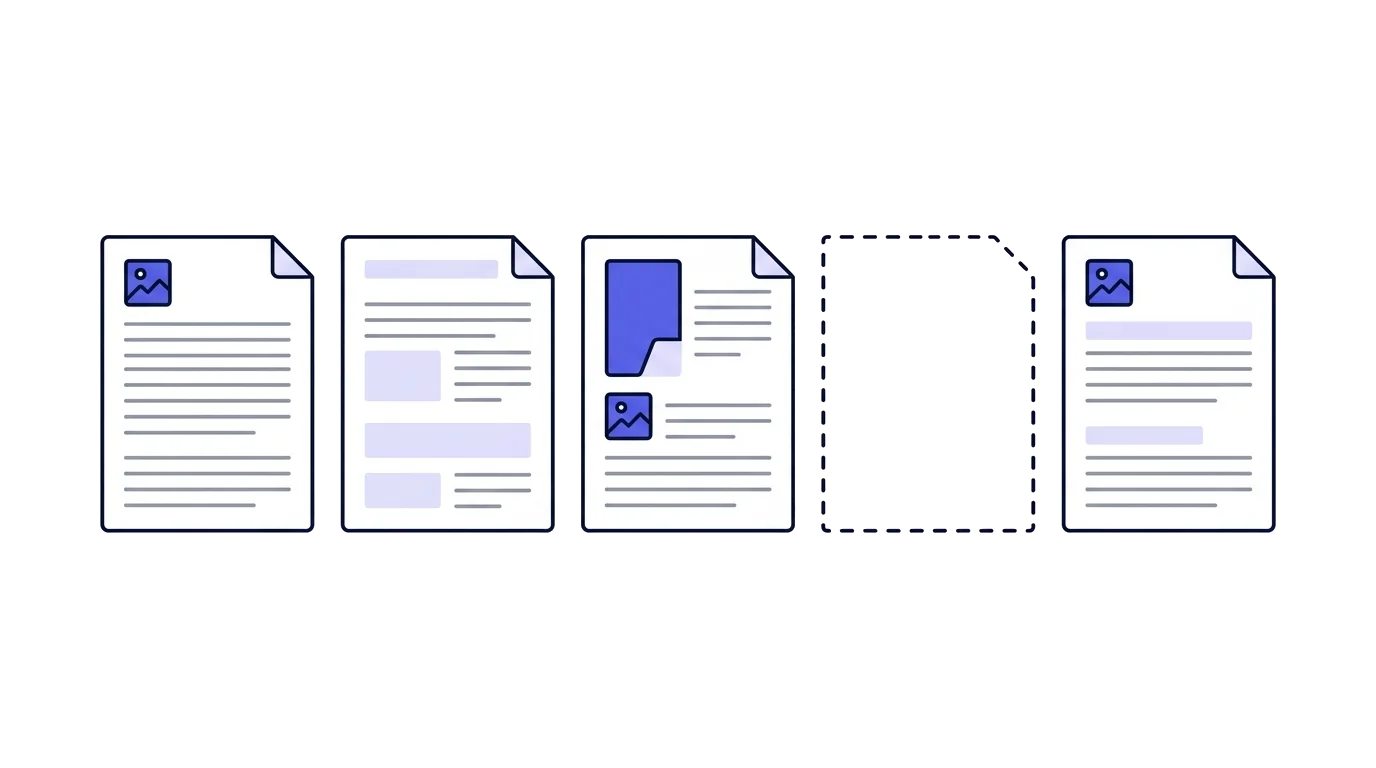
Numbering looks like a technical detail right up to the moment an auditor counts the documents and finds nothing between 148 and 150. The number on an invoice is what proves no invoice went missing along the way, and that is its whole purpose.
What the law requires
The requirement sits in section 18(a)(3) of the Income Tax (Bookkeeping) Regulations: documents are to be numbered so that the run of consecutive numbers is preserved from one book to the next, and so that a consecutive number does not repeat itself within a single tax year.
That is two separate duties in one sentence. The run survives the move from book to book, meaning a change of issuing method does not reset it. And no number appears twice in the same tax year, meaning two different documents cannot carry the same number.
A computerised document picks up a third duty. The definition of a "permanent file" in section 1 requires records to be numbered automatically in a consecutive sequence, with the run preserved from one processing cycle to the next through the tax year. In practice: the number is set by the system, not typed by hand.
- A consecutive run that survives a move between books or systems
- A number that never repeats inside one tax year
- For a computerised document: automatic numbering, not manual
A separate sequence per document type
A tax invoice, an invoice-receipt, a receipt, a transaction invoice, a credit note and a delivery note each run on their own sequence. Section 5(c) states it outright for an invoice that doubles as a receipt: it is numbered in a separate consecutive series.
The logic is plain. The sequence is what lets you count one document type and see that all of it is there. If receipt 41 sits between invoice 40 and invoice 42, neither of them can be counted.
It is also why a credit note is not a continuation of the invoice run. It is a document type in its own right, and issuing it inside the invoice sequence produces an invoice count that will not reconcile with the VAT report.
- Tax invoice: 1, 2, 3
- Receipt: 1, 2, 3
- Credit note: 1
- Everything on one run: 1, 2, 3, 4
- No document type can be counted
- The export will not reconcile with the reports
Which number to start from
A new business that has issued nothing yet picks its own starting point. No rule sets it. The law asks for a consecutive run with no repeats, not a particular opening number, so 1 and 1000 both satisfy it.
Starting at 1 is the simple option. The number equals how many documents have been issued, there is never anything to explain to anyone, and closing the year with an accountant is easier when the count and the number agree. Its only cost is that your first customer gets a document with 1 printed on it, and some people mind that.
From there it is a range rather than two options. You can open at 100, at 1000, at 10000, or at 100000. All of them are equally legal, and what changes across the range is the length of the number and what it signals to a customer.
A low round opening number, 100 or 1000, is what most people who would rather not start at 1 settle on. It reads like numbering a system produced, it draws no questions, and the gap it creates is small enough that nobody bothers thinking about it.
100000 is exactly as legal as 1. A new business issuing its first invoice as 100001 breaks no rule, and nothing requires the opening point to match how old the file is or how many documents have actually been issued.
There is a daily cost that is easy to miss too. A six-digit number is read out worse over the phone, typed worse at the customer's end, and a single wrong digit in it looks perfectly valid. "Invoice 247" and "invoice 100247" do the same job for the customer, and only one of them is easy to cross-check.
- The number equals the document count
- Your first customer sees document 1
- Does not give away that this is the start
- The number is no longer a count
- Longer to dictate and to cross-check
What matters more than the choice itself is that it is made once. Raising the starting point after documents have already gone out is a jump in the middle of the run, and a jump like that needs explaining exactly as any other gap does. Someone who started at 1 and has second thoughts at invoice ten cannot skip to 1010, which is why the opening number is settled before the first document.
The same choice is made separately for each document type, since every sequence has a life of its own. They do not have to open at the same number, and most businesses align them anyway rather than remember three different starting points.
A cancelled document burns its number
A fiscal document that has been issued is not deleted. It stays, marked as cancelled, and the copy is kept. Section 18(c) addresses exactly this: where a record has been cancelled, the copy is retained.
The number it was given never returns to use. A new document takes the next number, not the one that came free. The temptation to recycle a number because "that document was cancelled anyway" produces two different documents carrying the same number, which is precisely what section 18(a)(3) forbids.
The cancelling itself is done with a credit note rather than by editing or deleting, because a digital signature locks the document the moment it is issued.
A gap, and what only looks like one
A gap is a number that does not appear in the books. Some gaps are perfectly sound, and what separates them is not whether they exist but whether you can account for them.
A cancelled document leaves an explained gap: the number is in the system with a cancellation marker, and you can show what became of it. An issue that failed halfway can leave a burned number, and that too is explained as long as the system recorded it.
An unexplained gap is another matter. It looks exactly like an invoice that went to a customer, was collected on, and never reached the books. That is the classic ground for disqualifying a set of books and assessing by best judgment, which is why the record of the running numbers is part of what you keep, not only the PDF files.
May numbering restart each year
The wording bars a number repeating "within a single tax year", so a reset at the start of a year does not contradict the letter of it.
What breaks in practice is cross-checking. If numbering resets to 1 every January, the books hold several different documents all called "invoice 1", and comparing against a customer, against a VAT report or against an Open Format file turns into guesswork. So the common practice is one continuous sequence for the life of the business, with no yearly reset.
An allocation number is not the document number
This has been a common confusion since 2024. An allocation number is an individual approval the Tax Authority returns for a tax invoice at or above the threshold, once your system has reported the transaction to it. It does not replace the document number and does not touch its sequence.
A tax invoice above the threshold carries both: the document number, which the business runs on its own consecutive sequence, and the allocation number, which arrives from outside and differs per invoice with no predictable order. A rejected allocation request does not change the document number, because the document has already been issued and its number already set.
What actually breaks a sequence
- A document issued outside the systemOne invoice from Word or Excel "just this once", and its number exists nowhere in the books
- Manual numberingSomeone has to remember the last number, and duplicates and jumps follow
- Deleting an issued documentThe number vanishes from the books instead of staying, marked cancelled
- Two systems running at onceBoth issue from the same number range and neither knows about the other
The first is the most common by far. An invoice written in Word while the system was down or while someone was away creates a document that exists at the customer and nowhere in the books, and with no digital signature. It is also the first obstacle an accountant hits at year end.
The fourth catches businesses that started moving between systems and never finished. An old system left open "just in case" keeps issuing, and the two series collide.
Numbering across branches or several users
One business, one sequence per document type, even when several people issue from several places. The only way that holds is if the number is locked on the server at the moment of issue rather than picked on the client, since otherwise two simultaneous issues take the same number.
Anyone running several businesses runs entirely separate sequences. Each dealer number is a reporting entity in its own right, and its numbering does not mix with the other's.
What happens to numbering when you switch software
The sequence does not reset when you move, for the same reason section 18(a)(3) phrases it as "from book to book". The new system starts at the number after the last one issued in the old.
Two checks before the first document goes out of the new system: what the actual last number is on each sequence, and where imported history sits. History loaded into the live numbering is dangerous, because an old document can take a number already belonging to a new one. The full order of a move is set out in the guide to switching invoicing software.
Where a gap surfaces
Almost never at the time it happens. Three points where it comes up: exporting an Open Format file, whose validation counts documents; closing the year with your accountant, who reconciles the documents against the periodic reports; and a Tax Authority audit, the most expensive of the three.
Exporting Open Format once a quarter, even with nobody asking, makes that check cheap. A three-month-old gap is still something someone remembers. A two-year-old one is not.
A failed number returns to the sequence, issued documents stay
Document numbers are locked atomically on the server at the moment of issue, on a separate sequence per document type. An issue that fails midway releases the number back, so the run does not break and no number is burned by accident. An issued document cannot be edited or deleted, not even through support, so cancelling always goes through a credit note and the cancelled number stays visible. Historical documents imported from a previous system are stored apart from the live numbering, so history cannot take numbers from new documents.
This is general information and not tax advice. For your own situation, consult an accountant or a tax adviser.
On the samples page every type carries a number from its own sequence, and the gap between those numbers is exactly what this guide describes.
Common questions
What does the law require of document numbering?
Section 18(a)(3) of the Income Tax (Bookkeeping) Regulations requires documents to be numbered so the run of consecutive numbers is preserved from one book to the next, and so no consecutive number repeats within a single tax year. In a computerised system the numbering has to be automatic, with the sequence preserved from one processing run to the next through the tax year.
Does each document type need its own sequence?
Yes. A tax invoice, an invoice-receipt, a receipt, a transaction invoice, a credit note and a delivery note each run on their own sequence. Section 5(c) says so explicitly for an invoice that also serves as a receipt: it is numbered in a separate consecutive series.
Which number do I start from if I have issued nothing yet?
Any number. The law asks for a consecutive run with no repeats, not a particular opening point. Starting at 1 keeps the number equal to the document count, while 100 or 1000 read as system numbering. A high number such as 100000 is just as legal, and its only cost is a longer number to dictate and cross-check. Make the choice once, before the first document, since raising it later is a jump in the middle of the run.
What happens to a cancelled document?
Its number is burned. A cancelled document stays in the system marked as cancelled, the copy is kept, and the number never returns to use. Cancelling is done with a credit note, not by deleting.
May numbering restart each year?
The rule bars a number repeating within one tax year, so resetting at the start of a year does not contradict the wording. The practical trouble is that the number alone no longer identifies one document, and cross-checking against a customer or a VAT report breaks. So the common practice is one continuous sequence for the life of the business, with no yearly reset.
Is the allocation number the document number?
No. An allocation number is an approval the Tax Authority returns for a tax invoice at or above the threshold. It sits alongside the document number rather than replacing it, and an invoice carries both.
What happens when a gap in the numbering turns up?
You have to be able to explain it. An explained gap, a cancelled document for instance, is a sound record. An unexplained one looks like an invoice that was made to disappear, which is grounds for disqualifying the books and issuing a best-judgment assessment.
What happens to numbering when switching software?
The sequence does not reset. The new system carries on from the last number issued in the old one, and imported history is kept apart from the live numbering so an old document cannot take a new document's number.