
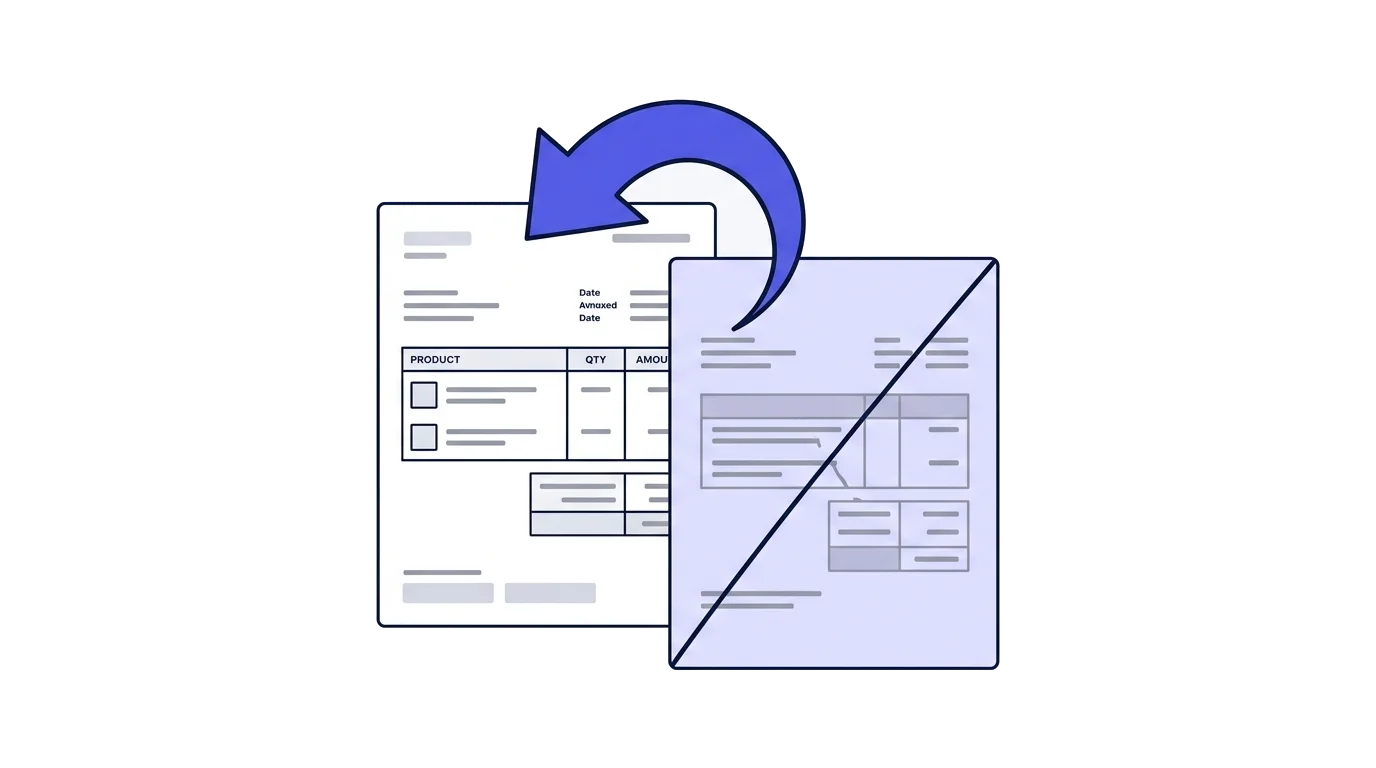
A mistake, a cancelled deal, or a returned product after a tax invoice has already been issued can't be fixed by editing or deleting the original document. The only tool for this is a credit note (חשבונית מס זיכוי, referred to in Israeli bookkeeping regulations as a "הודעת זיכוי").
- An error or cancellation comes upThe original invoice stays exactly as issued
- You issue a credit noteA new document with its own numbering sequence
- It points at the originalThe credit note names the invoice it cancels
- The report updatesThe reduction lands in the period the credit note was issued
Why you can't just delete the invoice
An issued fiscal document (a tax invoice, transaction invoice, or receipt) is a permanent legal record. Document numbering must be sequential with no gaps, and deleting a document that already has a number would break that sequence and create a mismatch against reports you've already filed. So even when the mistake is obvious, the only way to correct it is a new document that cancels the old one.
There is a technical side to this too. An issued document is digitally signed at the moment of issue, and the signature binds its exact content. Changing a single character in an amount invalidates that signature, so a system that did allow edits would produce a document nobody could verify.
What a credit note actually is
A credit note is a separate document, with its own sequential numbering, that references the original invoice and cancels its amount, either in full or in part. It's digitally signed exactly like any other fiscal document, and falls under the same retention requirement.
Full credit versus partial credit
A full credit cancels the entire invoice. It fits a cancelled deal, an invoice issued to the wrong customer, or an error that affects the whole document. A partial credit cancels only part of the amount: one item returned out of an order of five, or a discount agreed after the invoice already went out.
With a partial credit, the credited amount must not exceed what is left on the original. If an earlier credit was already issued against that invoice, the remaining balance is what you can credit, not the original figure.
When the document being cancelled is a receipt
When you return money the customer already paid, the matching document is called a credit receipt. The distinction matters: a credit note cancels the record of the transaction and the VAT in it, while a credit receipt records the money going back out. A deal that was paid in full and then cancelled in full needs both documents.
When to issue a credit note
- The customer cancelled the order or service after an invoice was already issued.
- A product was returned, fully or partially.
- An error was found in the amount or details of the original invoice (for example, a typo in the quantity).
- Incorrect customer details printed on an already-issued document need to be corrected.
- A discount or commercial settlement was agreed after the invoice date.
- The invoice was accidentally issued twice for the same transaction.
- The customer never paid, collection efforts were exhausted, and the debt became a bad debt. This is the only case on the list governed by separate rules and deadlines, covered below.
Issuing twice happens more often than you'd expect, mostly in businesses issuing invoices from two systems at once. The duplicate usually surfaces when the customer complains, by which point both invoices are already in the report.
What the credit note has to show
The credit note has to identify the document it cancels: the original invoice number and its issue date, alongside the customer details, the credited line items, and the VAT attached to them. Without that reference, an accountant or a Tax Authority auditor can't connect the two, and the document reads as a negative invoice floating on its own.
This is also why credit notes are numbered in their own sequence. A credit note is a document type in its own right, not a continuation of the invoice run.
How it affects your VAT report
For a licensed dealer (עוסק מורשה), a credit note reduces output VAT in the period it's issued, not the period the original invoice was issued in. If the original invoice and the credit note fall in different reporting periods, each report reflects what was correct for its own period, and there's no need to amend a report you've already filed.
A worked example
In March a business issued a tax invoice for ILS 10,000 before VAT, carrying ILS 1,800 of VAT. March's report included that ILS 1,800 as output VAT. In April the customer returned half the order, and the business issued a credit note for ILS 5,000 before VAT and ILS 900 of VAT.
March's report stays exactly as filed. In April's report, the ILS 900 comes off that month's output VAT. If April had no other sales, the result is negative and the business is owed a refund. The VAT calculator breaks down the before-VAT and including-VAT figures before you fill in the report.
What about an invoice that received an allocation number
A credit note itself doesn't need its own allocation number. That requirement only applies to tax invoices above the threshold, because the number exists to enable an input VAT deduction, and a credit note does the opposite.
When crediting an invoice that did receive an allocation number, the credit note references the original invoice's number, as required for any credit, so the cancellation is tied to the right transaction. The customer, in turn, has to reduce the input VAT they deducted on the original invoice, in the period they received the credit note.
A credit note for a bad debt
A customer who never paid is a different case from an error or a cancelled deal. The transaction happened, the invoice was properly issued, and the VAT on it has already been handed to the Tax Authority. The question is whether that VAT can be recovered once it becomes clear the money is not coming.
It can, but not casually. The route is set out in regulation 24a of the VAT Regulations, and it is stricter than any other credit.
The five conditions
The Elka Holdings ruling in the Supreme Court set five cumulative conditions for recovering output VAT: a transaction took place, a tax invoice was issued for it, the output VAT was actually paid, the consideration was not received, and the debt is bad. Miss one and there is no refund.
The fifth is where claims fail. A bad debt is not a debt the customer is dodging, or one you have grown tired of chasing. It is a debt that can no longer be collected, and the business has to show it took real collection action that came to nothing: execution proceedings, liquidation, receivership, or an equivalent legal process. Voluntarily writing the debt off does not make it bad.
The deadlines
The credit note is issued no earlier than six months from the date the tax invoice was issued, and no later than three years from that date. Both ends bind. Too early and it will not be accepted, too late and the right is gone.
Case law has softened the far end slightly. Where a debt only becomes bad after the three years have passed, you can apply to the VAT manager for an extension under section 116 of the law. That is a request for discretion, not a right.
What has to be filed
Regulation 24a states that a business may not reduce the transaction amount or the VAT amount in the periodic report before giving notice to the manager. The notice is filed in writing with the supporting evidence for the loss: the original invoice, documentation of the collection attempts, and decisions or filings from the legal process.
Only after that notice does the reduction enter the periodic report for the period in which the credit note was issued, exactly like any other credit.
The customer's side
The customer has a matching obligation. If they deducted input VAT on an invoice they never paid, they have to reverse that deduction. A bad debt for the supplier cannot remain a valid deduction for the buyer.
So even when the commercial relationship is long over, the credit note goes to the customer and not only to the Tax Authority.
Bad debts for income tax are a separate matter
The route described here recovers VAT only. Recognizing a bad debt as an expense for income tax purposes is judged by different rules on a different timetable, and there is no automatic link between the two. A debt recognized for VAT is not automatically recognized for income tax, or the other way around.
A bad-debt credit is not a substitute for collection. Before writing a debt off, check what the payment terms law says about the due date and the addition accruing on a late payment.
The mistakes that keep repeating
The first is issuing a new "corrected" invoice instead of a credit note. The result is two valid invoices for one transaction, both of them in the report.
The second is a credit note with no reference to the original, which leaves the accountant guessing what was cancelled and when.
The third is back-dating the credit note to the original invoice's date to "close the month". A document's date has to reflect when it was actually created, and moving a fiscal document's date backwards is a problem in its own right. Keeping both documents for the full retention period is what lets you explain the sequence in an audit.
Full credit in one click, partial up to the balance
Slate lets you issue a full credit note with one click, directly from the original document. For a partial credit, you open a new credit note, pick the source document, and edit the line items, and the system makes sure the amount never exceeds what's left on the original. Either way, the link between the documents is kept automatically, and the sequential numbering and VAT impact are calculated without any manual reconciliation.
This is general information, not tax advice. For a specific situation, talk to an accountant or tax adviser.
A sample credit invoice shows what actually gets printed on one, including the reference back to the original document.
Common questions
What is a credit note?
A document that cancels or reduces a tax invoice already issued. It references the original invoice number and reduces output VAT in the period it was issued.
Why can't an invoice simply be deleted?
An issued, digitally signed document is a permanent fiscal record. Deleting it would break the numbering sequence and the cross-check against the other side, so corrections always take the form of another document.
When is a credit note issued?
On a cancelled sale, returned goods, an error in the amount or the customer's details, and on a bad debt recognized as such. In every case the original document stays where it is.
How does a credit note affect the VAT report?
It reduces output VAT in the period it was issued, even where the original invoice belongs to an earlier period. There is no need to amend a report already filed.
Does a credit note need an allocation number?
No. It reverses a deduction rather than creating one. It does reference the original invoice number, so the link is preserved where the original carried a number.
How is a bad debt handled?
Where it is clear the debt will not be collected and the conditions are met, a credit note is issued and reported, recovering the VAT paid on a sale that was never collected. The conditions and documentation are worth checking with an accountant.