
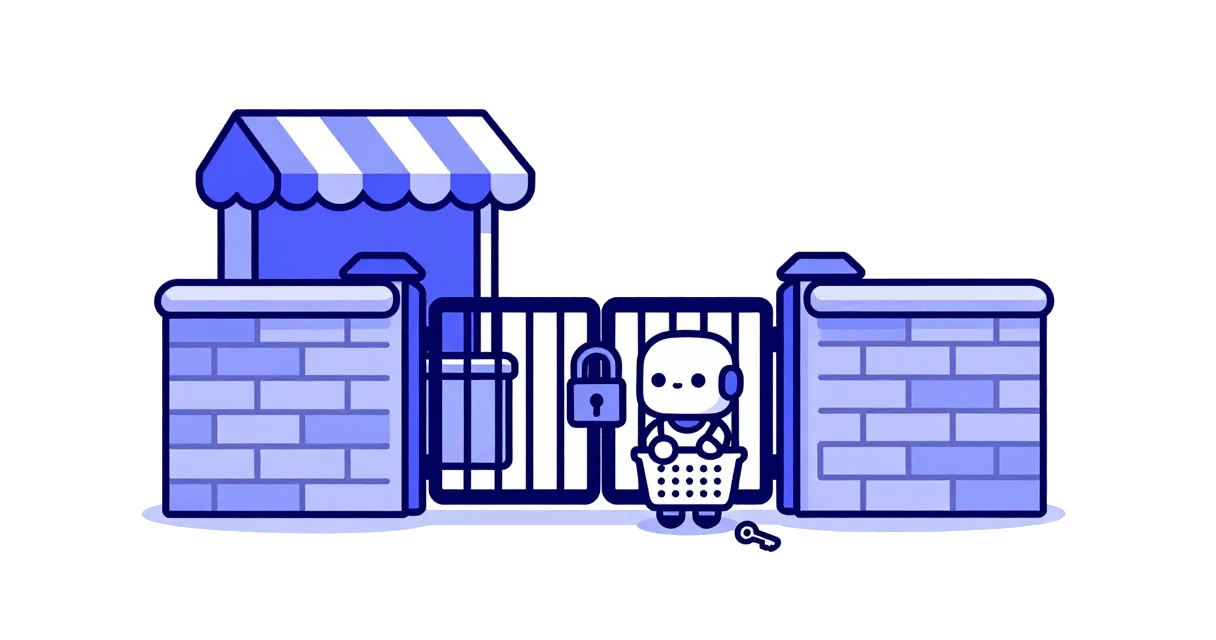
A customer asks Google's AI assistant to find an open appointment, put a product in the cart or fill in a contact form. The assistant opens the business's site, searches, clicks and types. If the site throws an "I'm not a robot" test at it, or the firewall turns it away, the task stops and the customer gets an answer that leaves that business out. On 17 November 2026 Google published a guide for site owners on letting this agent through, with 6 problems that still block it on sites that thought they had allowed it.
The agent dates from March; the guide is new
Google calls the agent Google Agent. Its documentation describes it as the agents running on Google's infrastructure that navigate the web and take actions when a user asks. Google added it to its list of crawlers and fetchers on 20 March 2026 and rolled it out over the following weeks. On 4 May it documented an experimental signing method that lets sites verify its requests.
The difference from Google's search crawler matters. Googlebot respects robots.txt, the file where a site says what may be crawled. Google says Google Agent, like its other user-triggered fetchers, will "generally ignore robots.txt rules", because a person asked for each request. So the real gatekeepers are the layers that filter traffic: a CDN such as Cloudflare, a web application firewall, or a bot-detection service.
Telling a real Google request from a fake one
Google gives 3 signals. The user agent header contains the string Google-Agent. The request comes from an IP address in the range file Google publishes for user-triggered agents. And, where present, the request carries a digital signature under the identity agent.bot.goog. Google warns that the user agent string can be spoofed, so checking the name alone is not enough.
Some CDNs, firewalls and bot services verify Google Agent on their own, and Google tells site owners to check with their provider. Where the service does not, Google's suggested rule has 4 conditions: the name in the header, an IP from the file, a valid signature if one is sent, and no bot challenge for requests that pass.
6 problems Google lists
Rule order comes first. An allow rule has to run before broad blocks, such as blocking all data-center traffic, managed bot rules, or a whole "AI agents" category. An allow rule sitting below them never fires.
Interactive challenges are second. The exemption has to skip CAPTCHAs and JavaScript checks, including the ones that appear inside the page on site search or when a form is sent.
Third, the agent needs more than the homepage: on-site search, filters, product and detail pages, the cart, the booking flow, and the background API addresses those pages call. A site that is open at the front door and locked at the booking form stops the agent exactly where the customer would have paid.
Fourth is per-IP rate limiting. Many users reach the web through the same pool of Google addresses, so a limit of a few requests a minute per address blocks all of them at once. Google suggests exempting the verified ranges.
Fifth, IP-based rules have to stay in sync with Google's range file, or they go stale.
Sixth, load balancers and proxies must pass on the client IP, the user agent and the signature headers. Strip them and the site can no longer tell the request came from Google.
What a small business site should check
Most small businesses never touch a firewall. A site on Wix, managed WordPress or Shopify sits behind the platform's defenses, and the owner controls only what the platform exposes. The owner can still ask whoever built the site, or the platform's support team, whether Google Agent traffic gets through; check in Cloudflare whether an AI-agent block is switched on; and look for a CAPTCHA on the booking or contact form.
Anyone who blocked AI crawlers to keep content out of model training should know this is a separate decision. Opting out of AI training affects Gemini through crawler rules, while Google Agent arrives on behalf of one specific customer who wants to do something on the site right now. A blanket "block all AI" setting can catch it too.
The guide names no Google product that uses the agent and no countries. It runs on Google's infrastructure and reaches whatever site the user points it at, Israeli sites included. This week Google said Ask Maps now calls businesses to book appointments, for now in the US, which shows where this is heading: the customer's assistant contacts the business itself, by phone or through its website.