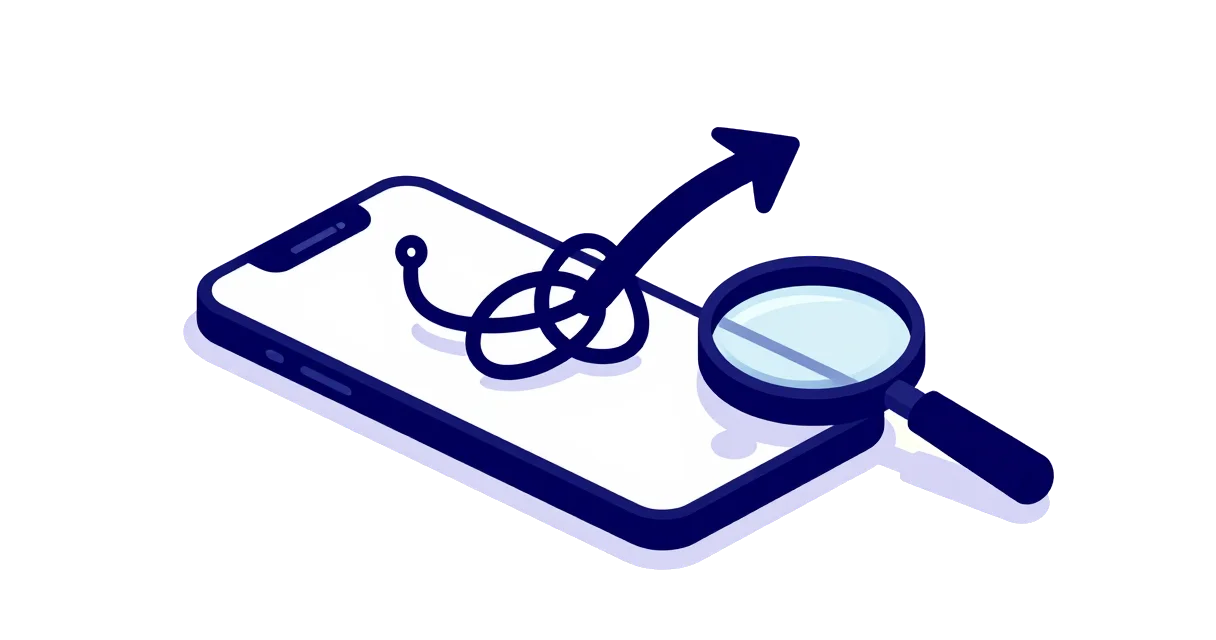
Someone taps a product link in a Facebook post, looks around, and hits the browser's back button. Instead of returning to their feed, they land on a "you may also like" page or an ad. On 23 November 2026 Google added a five-question FAQ to its spam policies, and one answer settles a question many site owners had: this counts as a violation even when the visitor never came from Google Search. The only condition is that it happens inside a browser.
Enforced since June
Google announced the back button hijacking policy on 13 April 2026 and began enforcing it on 15 June. It describes the behaviour as a site interfering with browser navigation so the visitor cannot go straight back to the page they came from, for example by inserting pages they never visited into the browser history. Google files it under "malicious practices", the same family as malware.
The stated consequences are manual spam actions or automated demotions, either of which cuts a page's visibility in results. From 27 April Google sent Search Console warnings, with sample URLs, to sites it had detected, before taking any action.
The 5 answers
Ad platform code comes first. Sites can keep working with advertising platforms and loading code those platforms host, Google says, and it acts only on pages that show the behaviour. Its April post already noted that some cases come from a site's libraries or ad platform, and told owners to remove or disable whatever is responsible. So "it's the ad network's script" does not protect the page.
Visitors can report offending pages through Google's spam report form. The policy also applies to Discover, the article feed on phones, because Google treats Discover as part of Search.
The fourth answer matters most for businesses that get traffic from Instagram, Facebook or a newsletter: if the hijacking happens while the user is browsing in a browser, the policy applies, whatever sent them there. The fifth puts navigation inside apps and "open in app" prompts out of scope.
How it gets onto a small business site
Few owners write this kind of code themselves. It arrives with a WordPress plugin that promises to "keep visitors on your site", an exit pop-up, a content recommendation widget or an ad network tag. The quickest check is by hand. Open your site from a link in a social post, click through two or three pages, then press back. If the browser does not return you to the post, or shows a page you never opened, something is wrong. Repeat it on a phone, where most social traffic lands.
If you find it, identify the component and switch it off. A manual action shows up in the Manual actions report in Search Console, and once the problem is fixed you can file a reconsideration request there. To see whether pages lost search traffic after June, it helps to know how to spot Google Search visits in your analytics.
No country limits
Google's spam policies page says the policies apply to all web search results, and the back button section lists no countries or languages. A Hebrew site serving customers in Israel is covered like any other. Google has not said how many sites have been penalised since June.
For a business whose site brings in few enquiries, add this test to the checks in the guide to a website that gets no leads. A visitor stuck with no way back rarely fills in a form, and Google now pushes that page down as well.